- Instant launch, zero lag
- Mac, Windows, Linux
- Syncs across all devices
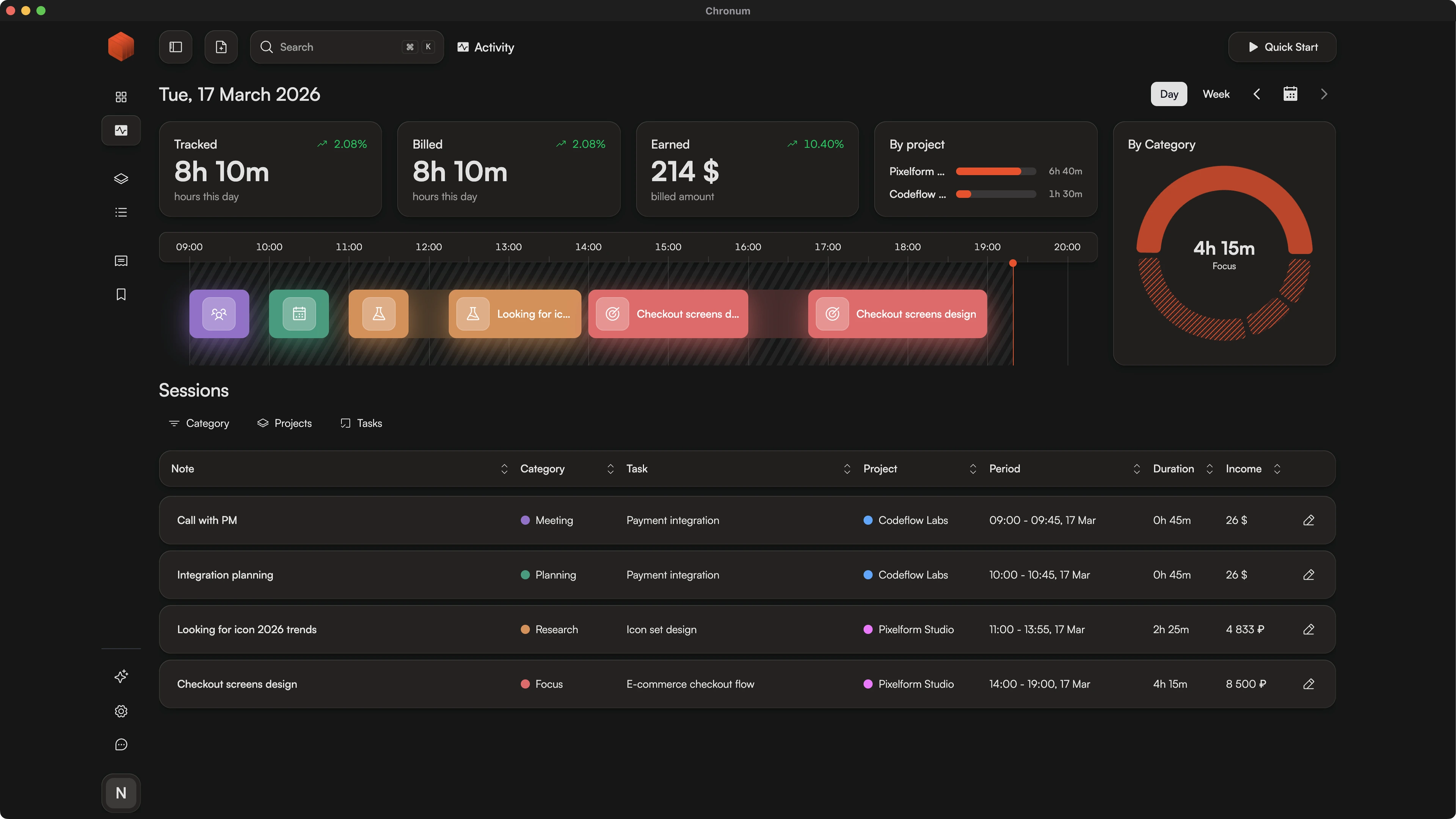
Native Time Tracker for Mac, Windows and Linux Built for Performance
Stop fighting slow, browser-based tools. Chronum is a lightweight desktop application designed for speed, total privacy, and seamless real-time synchronization.
How It Works
- 1.
Install
Download the lightweight installer for your OS (macOS, Windows, or Linux).
- 2.
Track
Launch instantly and record your work sessions with zero lag through a high-performance Tauri-based interface.
- 3.
Sync
Your data is securely synchronized in the background across all your devices the moment you connect.
Why Choose a Native Desktop Time Tracker Over Web Apps?
Most modern time trackers are heavy, browser-based tools that slow down your workflow and clutter your tabs. If your browser crashes or your session times out, you risk losing focus and data.
Chronum is built differently. Our Tauri-based architecture delivers the performance of a native application with a minimal memory footprint. It's a local-first tool at its core—the UI stays snappy and responsive because it's powered by your machine's hardware, not a remote server.
Whether you are billing in multiple currencies or generating complex invoices, Chronum handles your data with the precision and speed that only a desktop-first app can provide.
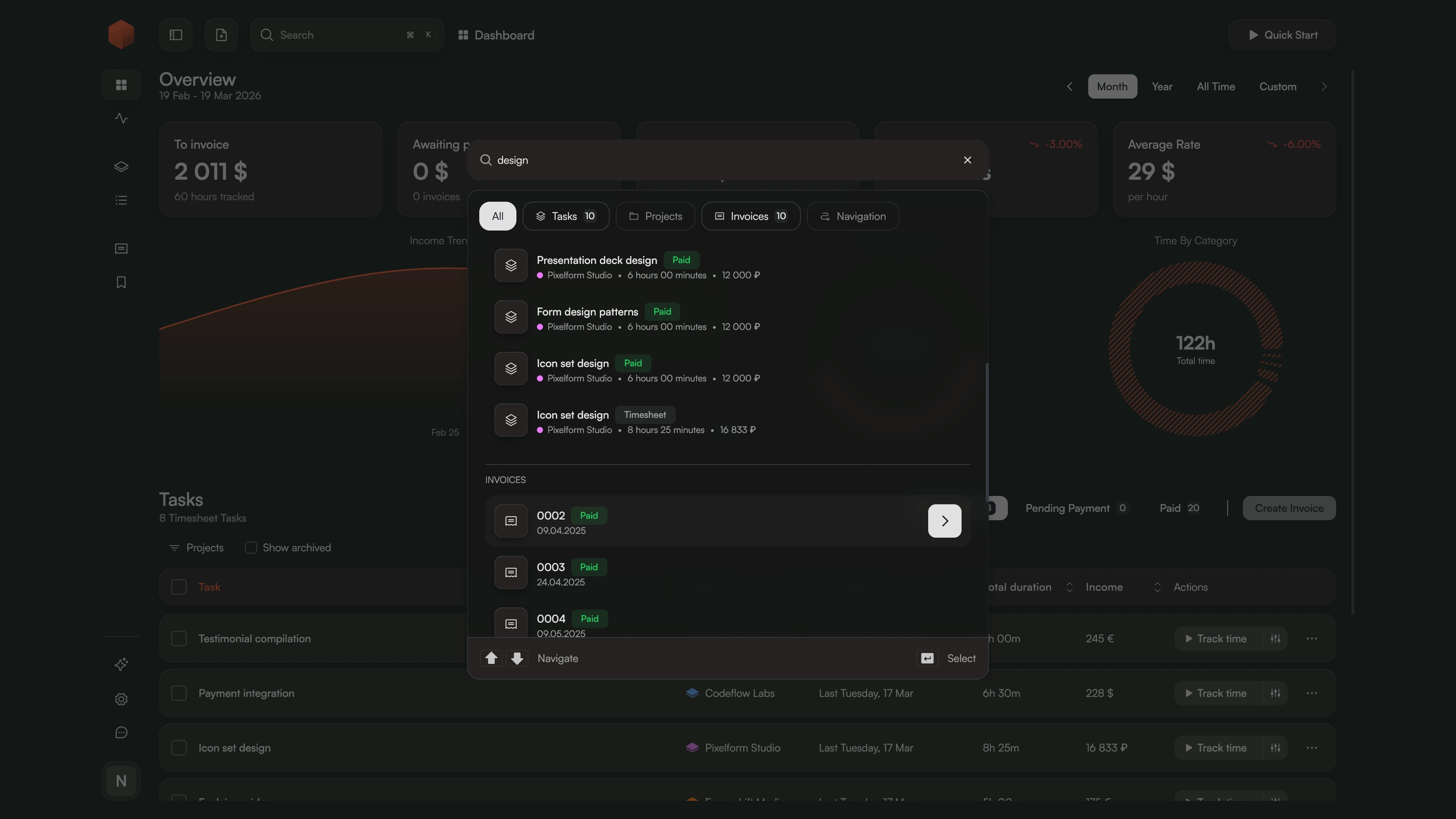
Navigate at the Speed of Thought
Use the Command Dialog (⌘K / Ctrl+K) to start timers, switch projects, or find invoices without touching your mouse. It's the ultimate tool for keyboard-centric power users who value their flow.
Real-Time Reliability
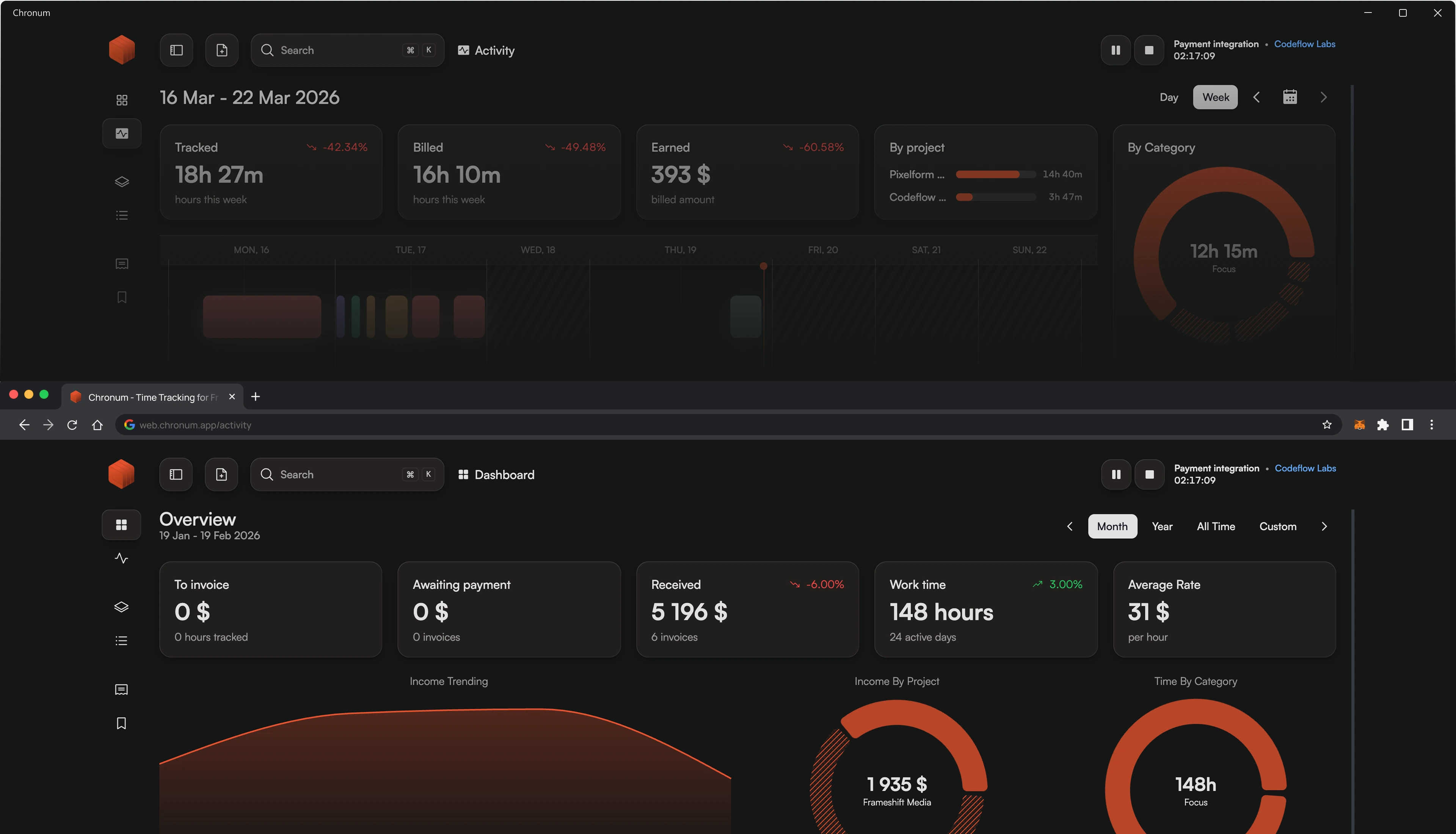
Don't let your tools get in the way. Chronum handles data reconciliation in the background, ensuring that a timer started on your Mac is instantly visible on your web dashboard or Windows machine.
Frequently Asked Questions
Ready for a faster workflow?
Get the native experience you've been waiting for. Fast, private, and built for professionals.
Looking for a more powerful Toggl Alternative? See how we compare.