- Global → Project → Task hierarchy
- Historical rates preserved
- Syncs across all devices
Set Different Rates for Different Work
One rate doesn't fit all your work. Set a global default, override for specific projects, or fine-tune at the task level — Chronum calculates each session at its correct price.
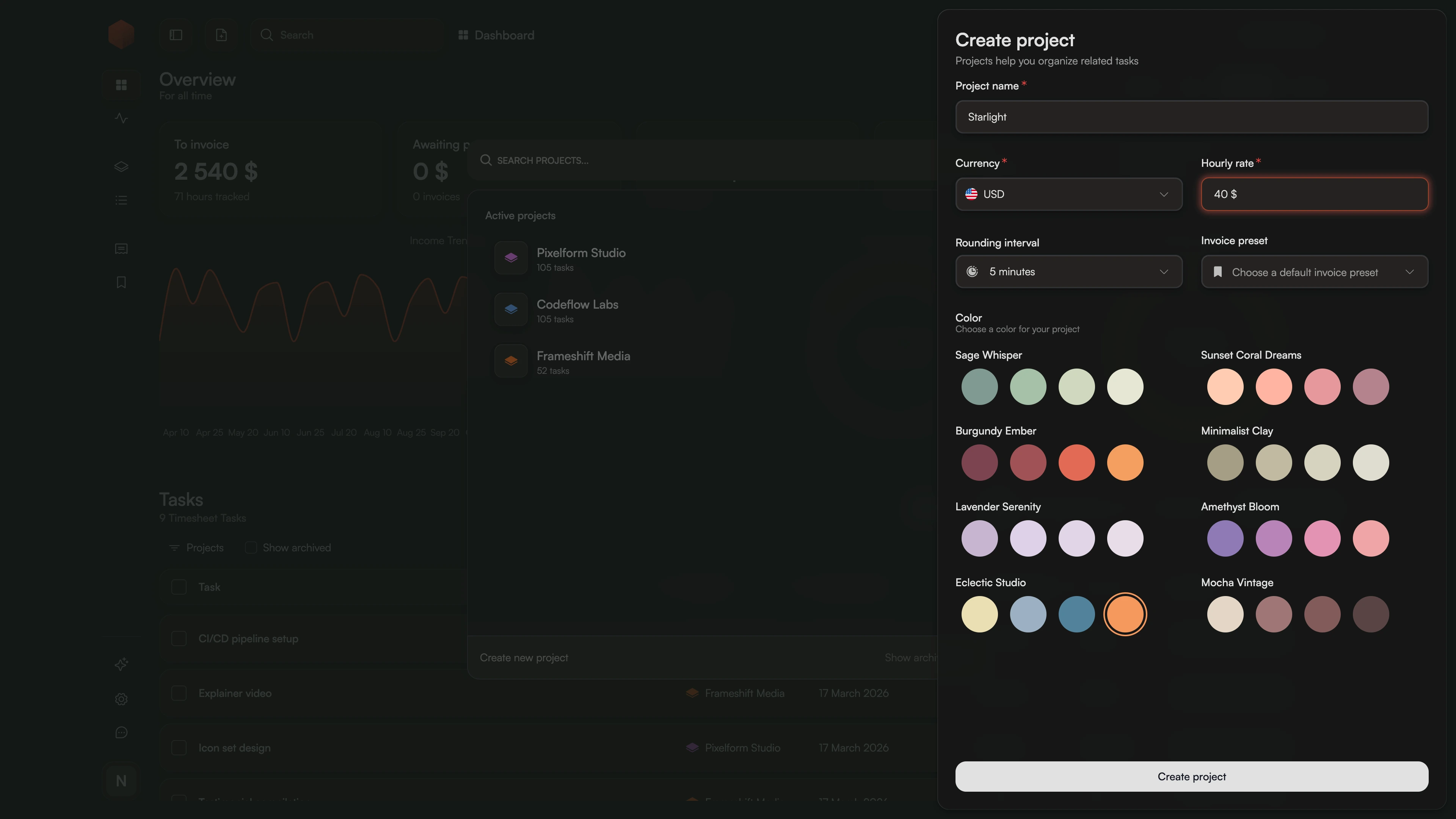
How It Works
- 1.
Define
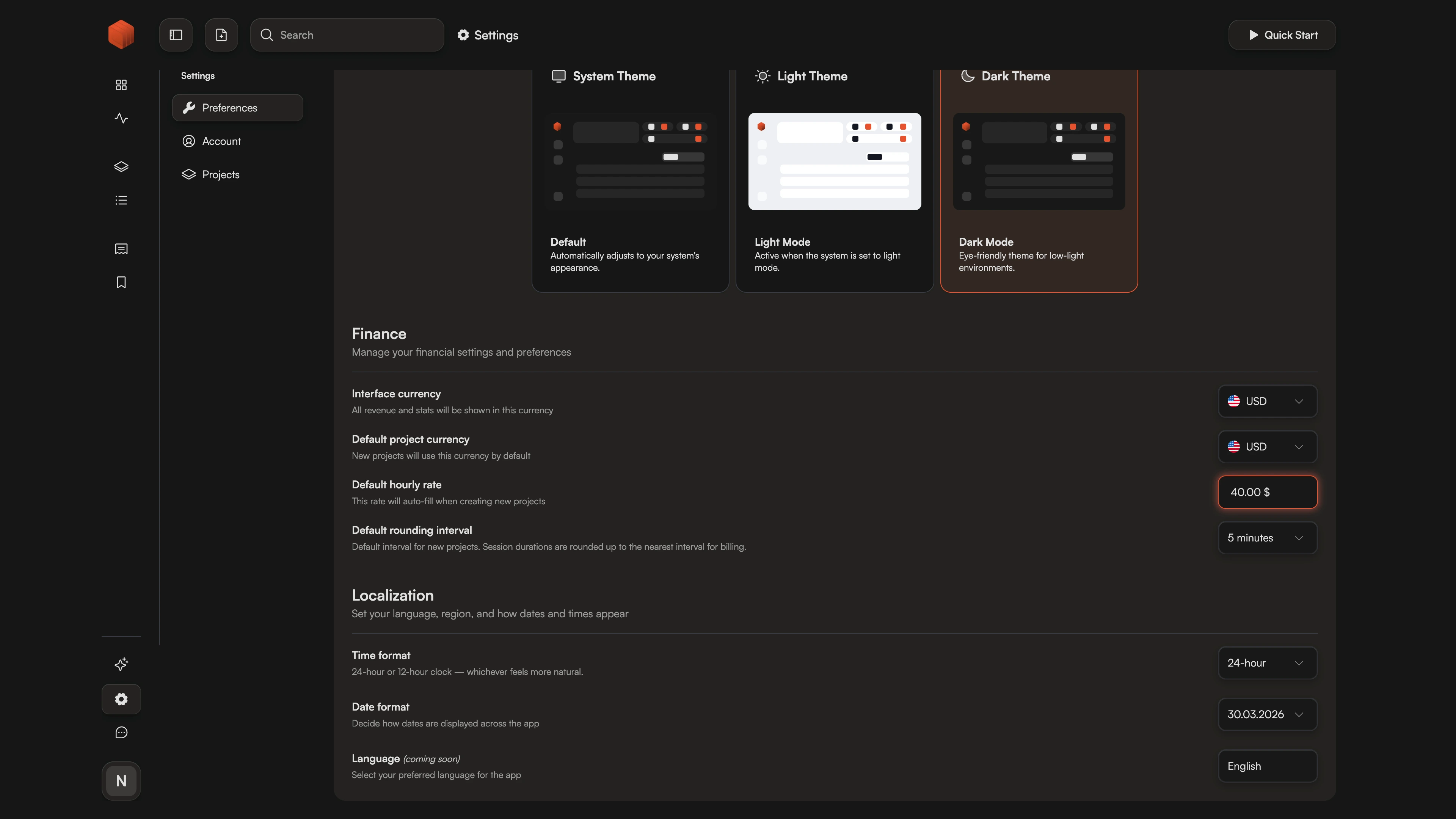
Set a global hourly rate in your workspace settings. This becomes the default for all new projects and tasks.
- 2.
Override
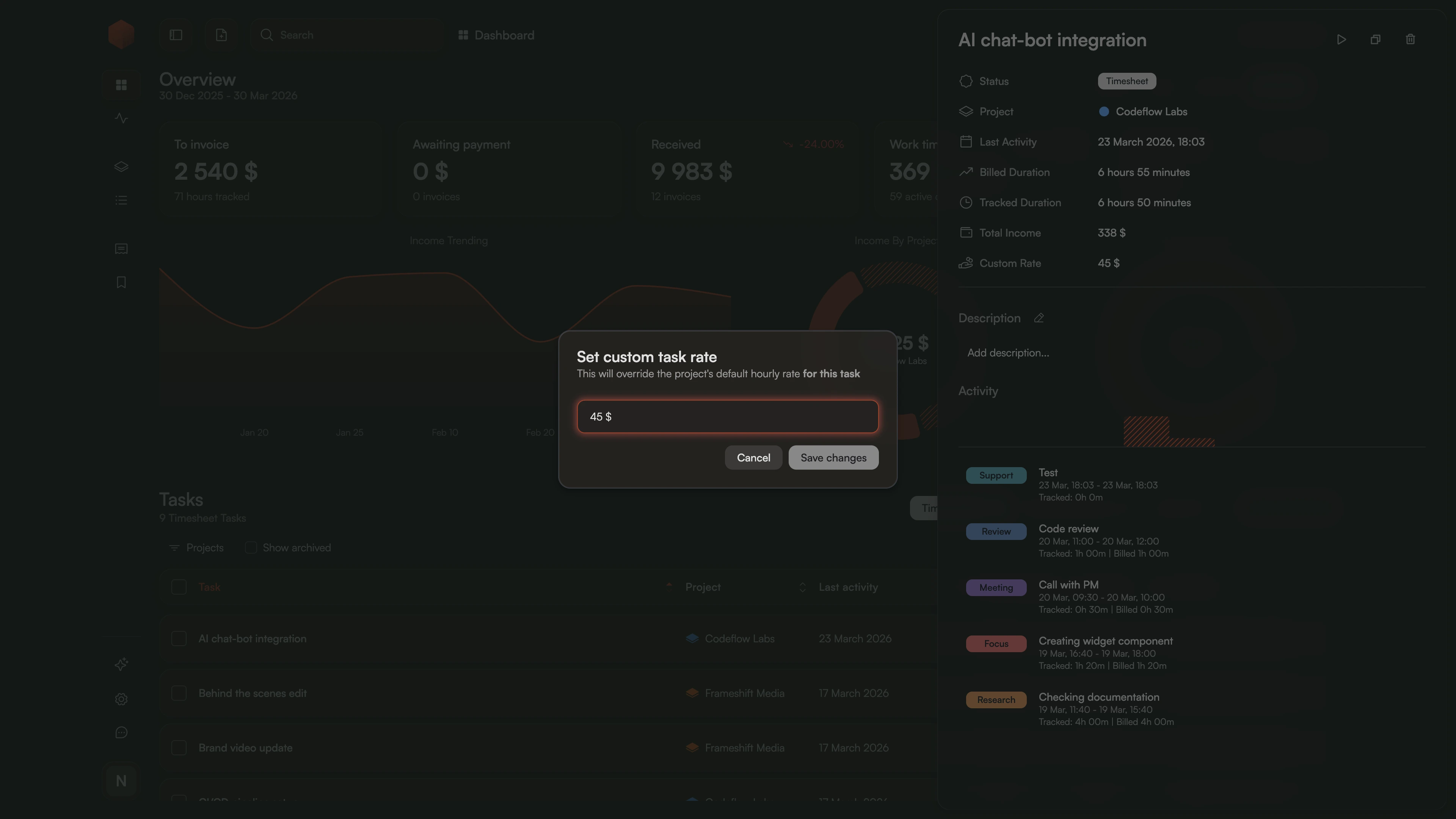
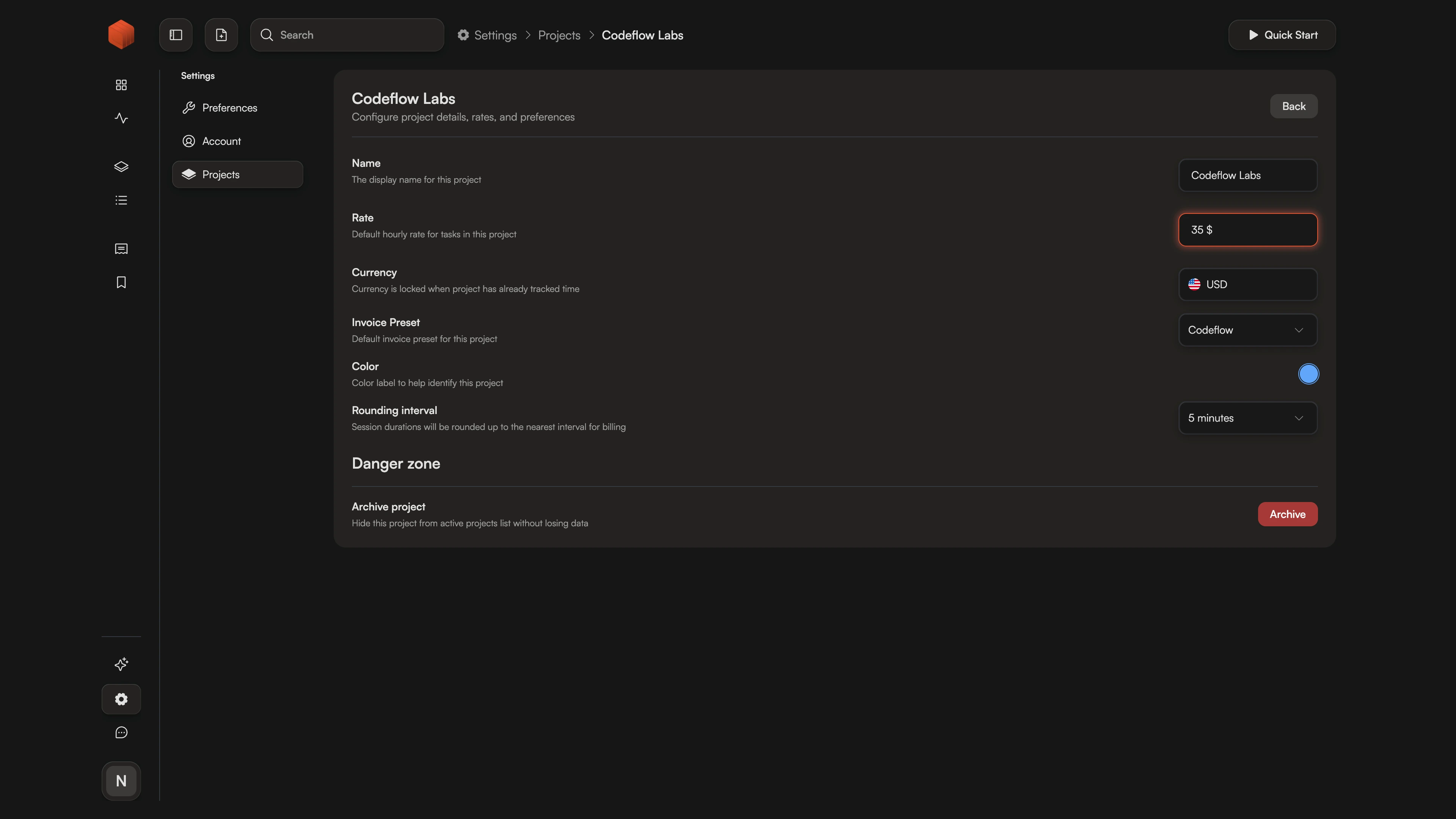
Assign unique rates to specific projects, or drill down to individual tasks for contracts with mixed roles.
- 3.
Bill
Generate invoices where every session is calculated at its specific rate — no manual math required.
Why Fixed Hourly Rates Are Killing Your Profitability
Most time trackers assume you have one price for everything. But charging $50/hr for data entry and $50/hr for architecture review isn't just inaccurate — it's bad business.
Chronum treats your rates as a hierarchy. Set a global default, override at the project level, or define task-specific pricing for maximum precision. Whether you're on Windows, macOS, or Linux, Chronum's native engine calculates your earnings with surgical accuracy. It's a professional-grade billing system for those who've outgrown "one-size-fits-all" timers.
Different Work, Different Value
Stop creating duplicate projects just to change a price. Set a unique rate for each task within a single project and let Chronum handle the math.
Set Once, Track Everywhere
Define your standard rate in your profile. Every new task or project inherits this value automatically, ensuring you never bill $0 by mistake.
Safe Rate Evolution
Raising your prices? Update your rate without fear. Chronum preserves your historical data, so past work stays billed at the original price while new sessions use the updated one.
Frequently Asked Questions
Finally, a tool as flexible as your business.
Stop manual recalculations. Start billing with precision.
Need to manage international payments? See how we handle Real Exchange Rates